
Vector synthesis engine
Prompt in.
Path data out.
Describe a graphic or drop in an image. You get real geometry back — named layers, editable bezier handles, and markup small enough to read in a diff.
No card required · open the editor without an account

- paths
- 12
- nodes
- 204
- size
- 8.1 KB
What you actually get
The source is the product.
Every graphic below is a real export, shown next to the exact markup you would paste into your project. Nothing is redrawn for the screenshot.
prompt “geometric fox head icon built from clean angular facets, front facing”
reading…
Capabilities
Built for files you have to maintain.
Constructed, not traced
Shapes are built from closed geometry and smooth bezier handles, so an icon lands in tens of paths instead of hundreds.
Named layer tree
Paths arrive grouped under readable IDs. Open the file in Figma and the layer panel already makes sense.
Raster tracing
Drop in a PNG, JPG, or WebP mockup and get back layered, scalable paths that follow the shapes rather than the pixels.
Optimised on export
Namespaces stripped, decimal precision trimmed to what the curve needs, redundant groups collapsed.
Copy as a component
Take the raw .svg, or copy it out as a React component with the JSX attribute names already converted.
Yours to sell
Everything you generate is royalty-free and unrestricted, on every plan. Client work, merchandise, logos.
Process
Four steps, about a minute.
- 01
Describe or upload
Type what you want in plain language, or drop in a raster image to trace.
faceted fox head, flat vector
- 02
Geometry is generated
The model reads the intent and lays down closed shapes with smooth bezier handles.
M 1470 444 C 1477 532, 1486 625, 1495 712
- 03
Refine on canvas
Drag anchor points, retune colours, rename layers, delete what you do not need.
#ears · #snout · #muzzle
- 04
Export
Download the .svg, or copy it straight out as a React component.
<FoxHead className="h-8 w-8" />
Gallery
Generated, then measured.
Each piece lists the prompt that made it and what the file costs. Copy or download any of them.
- illustrations
Faceted Fox Head
geometric fox head icon built from clean angular facets, front facing
- Paths
- 12p
- Nodes
- 204n
- File size
- 8.12 KB
 icons
iconsBezier Pen Tool
bezier curve pen tool icon with square anchor points and control handles
- Paths
- 12p
- Nodes
- 210n
- File size
- 8.96 KB
 illustrations
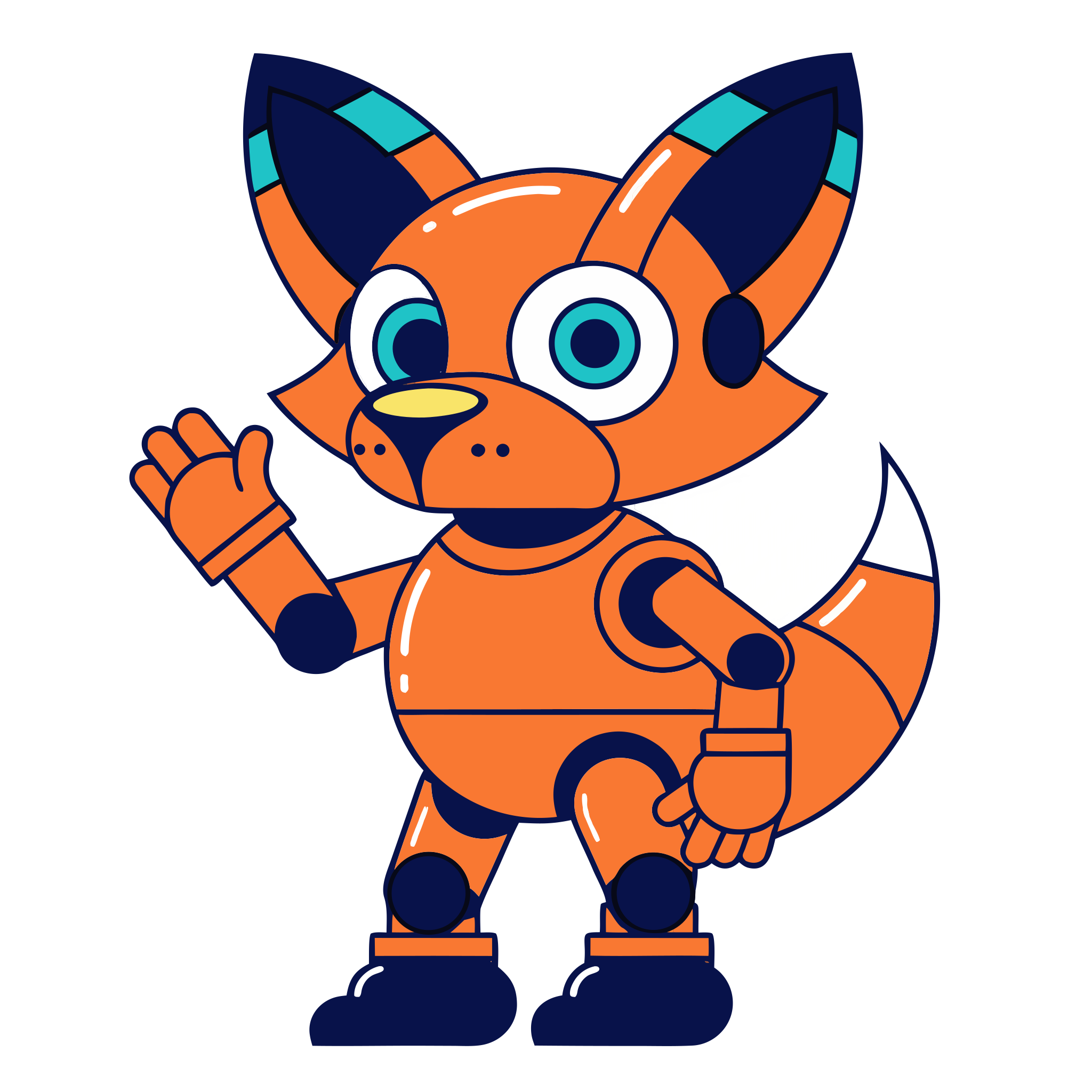
Robot Fox Mascot
cute orange robot fox mascot, flat vector style
- Paths
- 90p
- Nodes
- 104n
- File size
- 45.56 KB
 icons
iconsRocket Launch Icon
futuristic rocket ship launching vector icon
- Paths
- 61p
- Nodes
- 62n
- File size
- 22.22 KB
 patterns
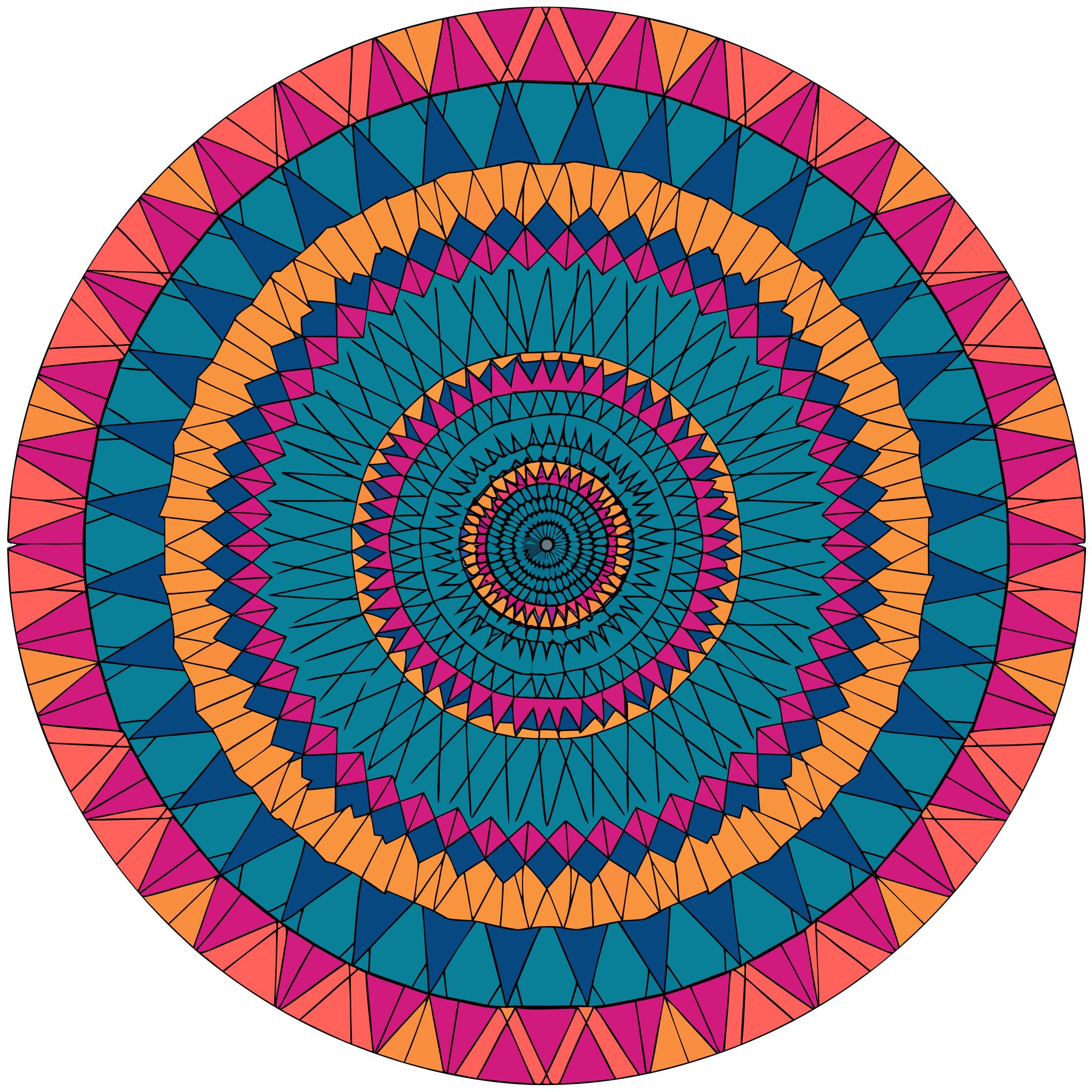
Mandala Geometric Art
geometric abstract mandala pattern vector style
- Paths
- 1027p
- Nodes
- 1028n
- File size
- 356.61 KB
 icons
iconsCute Cat Avatar
cute round orange cat face friendly expression vector
- Paths
- 14p
- Nodes
- 15n
- File size
- 8.03 KB
 illustrations
AI Database Server
Isometric flat vector illustration of an AI database server stack with glowing orange circuitry and data nodes
- Paths
- 72p
- Nodes
- 73n
- File size
- 36.6 KB
 icons
iconsMonstera Vector Icon
Minimalist flat vector icon of a monstera plant leaf, orange and peach gradient fill, clean outline paths
- Paths
- 3p
- Nodes
- 11n
- File size
- 8.6 KB
 illustrations
Geometric Mountain Sun
Flat vector illustration of a geometric landscape with mountains and a large rising sun
- Paths
- 99p
- Nodes
- 107n
- File size
- 47.35 KB
 icons
iconsFuturistic Drone Icon
Minimalist flat vector icon of a futuristic sleek drone, clean curves and orange and white highlights
- Paths
- 28p
- Nodes
- 33n
- File size
- 13.14 KB
Pricing
Priced per generation, not per seat.
Free Trial
Enough to see whether the output is any good.
$0forever
- 1 generation credit
- Manual SVG editor workspace
- Standard .svg export
- Community prompt library
Creator Pro
PopularFor designers and developers shipping client work.
$15/ month
- 70 generations a month
- AI-assisted anchor point edits
- Priority generation queue
- Figma and Illustrator import
Business
For teams that need volume and shared workspaces.
$45/ month
- 250 generations a month
- Shared team folders
- Collaborative editor sessions
- Batch generation from a prompt list
- REST API access
- Dedicated support contact
A tracer follows pixel edges, so you get thousands of jagged points and no structure. SVG Maker AI builds the shapes instead: closed geometry, smooth bezier handles, and paths grouped under named IDs. A typical icon lands under 30 paths rather than several hundred.
Yes. Layers come out under named IDs like #head or #shading, namespaces are stripped, and decimal precision is trimmed to what the shape actually needs. You can read the diff when you commit it.
Linear and radial gradients are generated directly. You can add CSS keyframe animation inside the editor and export a self-contained SVG that plays anywhere it is embedded.
Yes. Use Image to Vector on the home page or in the editor. Upload a flat mockup, logo, or sketch and it comes back as layered, scalable paths you can edit.
Download the .svg and drag it in, or copy the inline markup and paste straight onto a Figma canvas — it arrives as editable layered vector nodes, not a flat image.
Yes. The REST API covers batch generation, colour re-theming, and format conversion. Keys live in your dashboard.
You do. On Creator Pro and Business, every graphic you produce is yours to use in client work, logos, templates, and merchandise, with no royalties and no attribution.
Seven days, no questions asked, on Creator Pro and Business. Email support and we refund the full amount.
Generate one and read the source.
No account, no card. If the path data is not clean enough to commit, you have lost about a minute.